Scan the Management QR
Every physical Display has a private Management QR and its own five-digit Display number.
Buy a ready-made QR Display or create a downloadable dynamic QR code. Organize every code by business, update destinations anytime, and track scan performance from one dashboard.
Every purchased Display includes a permanent customer QR plus a separate Management QR and PIN.
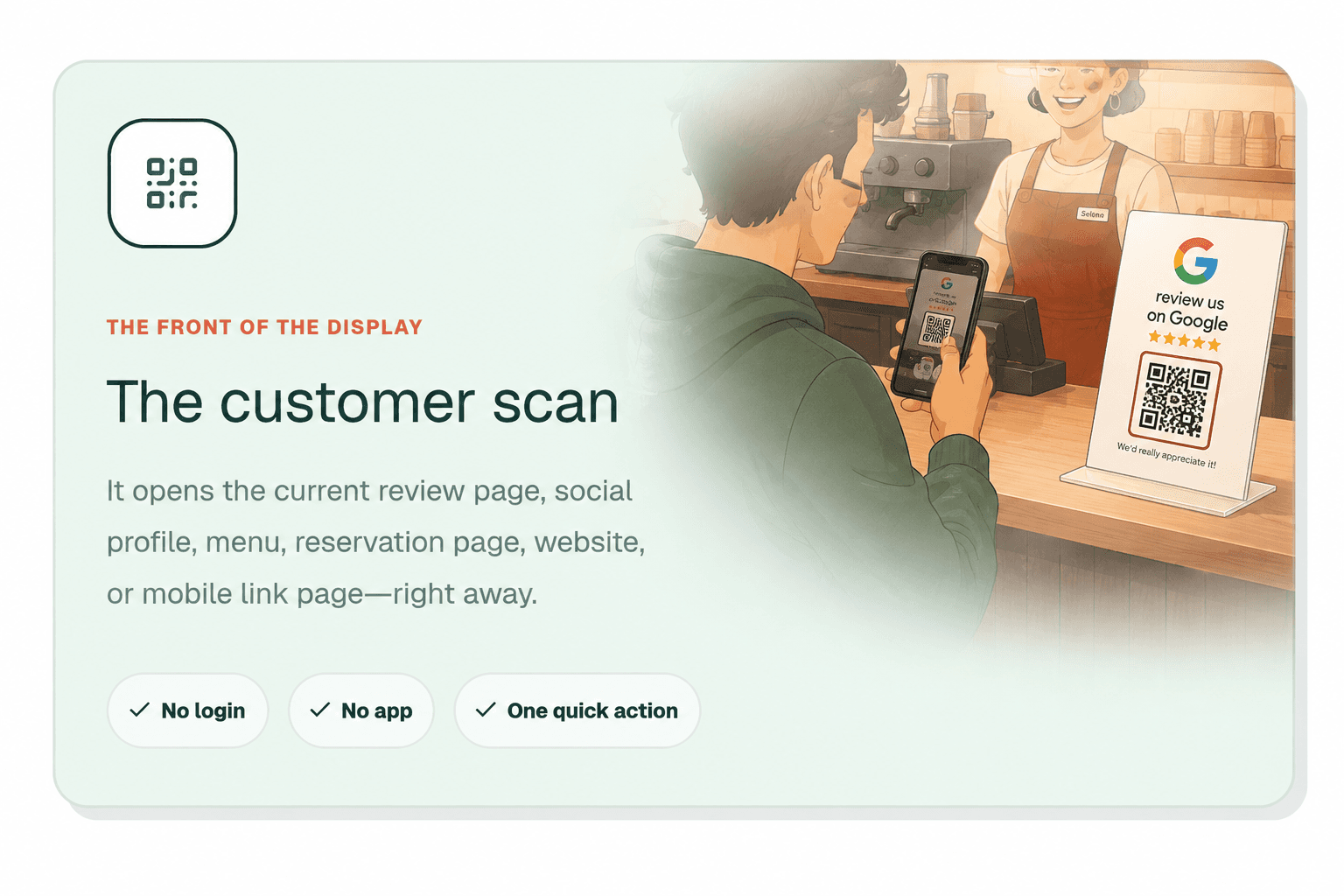
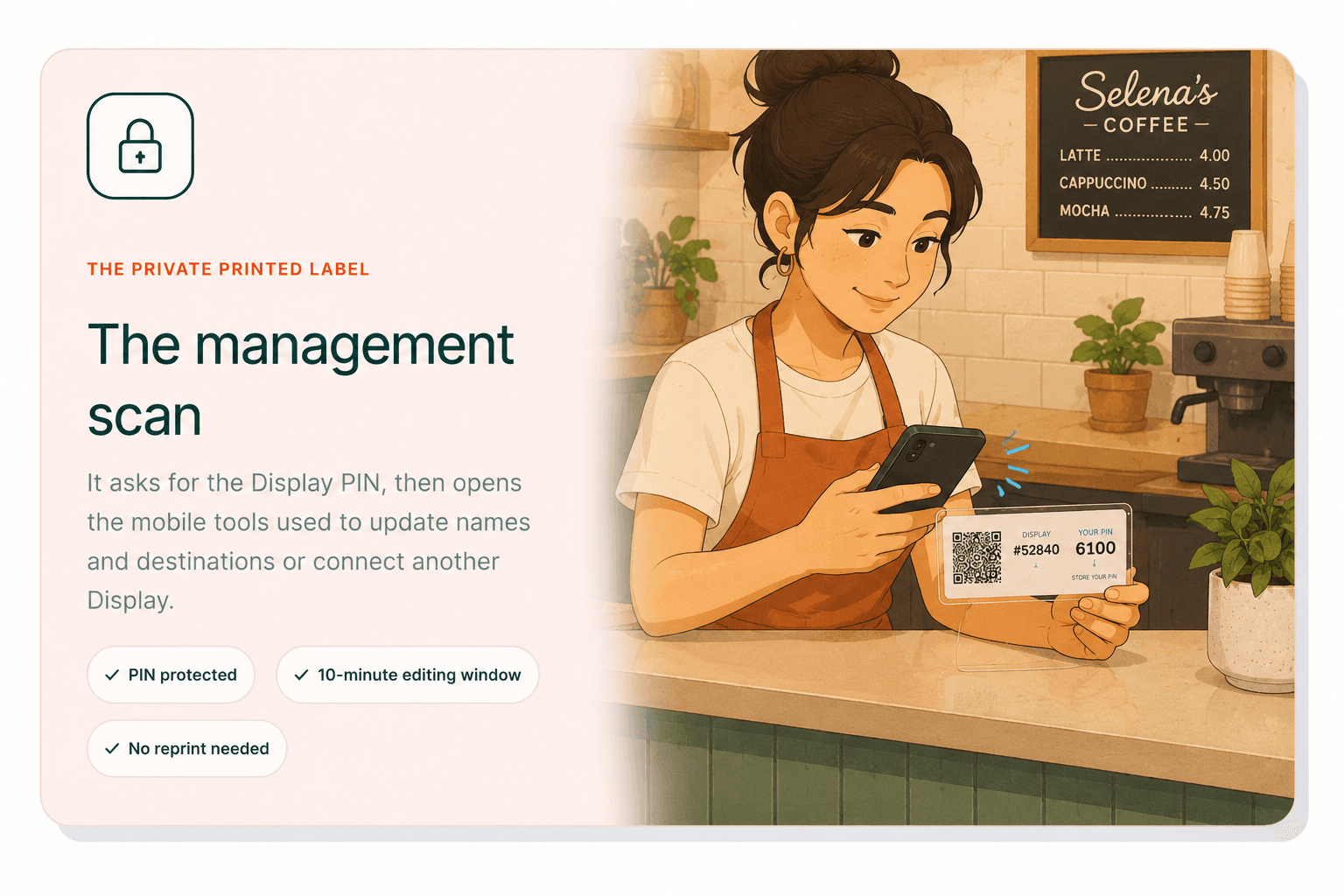
Scan the private Management QR, enter the PIN, and update the exact destination you want to change.
Every physical Display has a private Management QR and its own five-digit Display number.
The PIN opens a short, secure editing window for that business and its connected Displays.
Rename the business or Display, then edit the exact QR destination you want to change.
The printed QR stays exactly the same and begins using the new destination immediately.
Manage purchased Displays and downloadable dynamic QR codes together. Update names and destinations, keep codes grouped by business, and use Pro analytics to track scan volume and top-performing QR codes.
Manage my QR codesQR codes built for local business.